remove.bg Pricing Explained (And When Alternatives Are Cheaper)
What You'll Learn
✅ How remove.bg pricing actually works (subscription vs credits vs pay-as-you-go)
✅ When per-image API pricing beats subscriptions
✅ Decision tree based on your monthly volume
✅ Real cost comparisons for 3 common use cases
Introduction
Background removal tools use different pricing models, and the "cheapest" option depends entirely on how many images you process each month.
This guide breaks down the effective cost per image for remove.bg and its alternatives, so you can pick the model — not the brand — that fits your workflow.
Pricing Models Explained
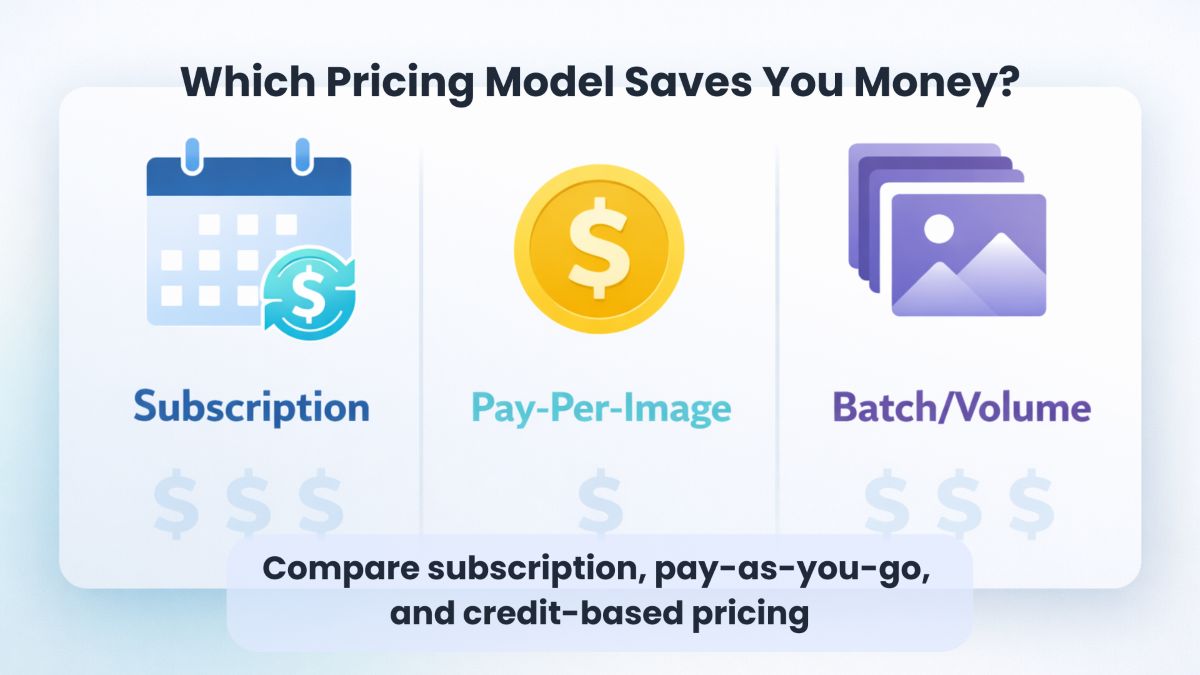
Before comparing specific tools, understand the three main pricing approaches:
| Model | How It Works | Best For |
|---|---|---|
| Subscription | Fixed monthly fee for X credits | Predictable, steady volume |
| Pay-as-you-go | Buy credit packs, use anytime | Variable or unpredictable needs |
| Per-image API | Pay exact cost per image processed | High volume, developer workflows |
| Unlimited (bundled) | Feature included in broader tool subscription | Users who need other features too |
Key insight: Subscription credits often expire or require active subscription, while pay-as-you-go credits typically don't expire.
remove.bg Pricing Breakdown
remove.bg offers three tiers: Free, Subscription, and Pay-as-you-go.
Free Account
- Resolution: Up to 0.25 megapixels (low-res previews only)
- Bonus: 1 free HD credit for testing
- API: 50 free preview calls per month
- Limitation: Not usable for production work (too low resolution)
Subscription Plans
| Plan | Price | Credits | Effective $/Image |
|---|---|---|---|
| 40 Credits | $9/month | 40 | $0.225 |
| 200 Credits | $39/month | 200 | $0.195 |
| 500 Credits | $79/month | 500 | $0.158 |
| 1,200 Credits | $159/month | 1,200 | $0.133 |
Important notes:
- Credits roll over only while subscribed
- 14-day money-back guarantee
- Cancel anytime, but lose unused credits
Pay-as-you-go
- Cost: ~$0.23-0.27 per image (varies by pack size)
- Expiration: Credits never expire
- Use case: Unpredictable volume or one-time projects
remove.bg Ownership
remove.bg is now owned by Canva (acquired as Canva Austria GmbH). This explains why Canva Pro includes background removal — they share the underlying technology.
Alternative Pricing Comparison
Photoroom API
Photoroom offers straightforward per-image API pricing:
| Plan | Cost Per Image | Monthly Minimum | Best For |
|---|---|---|---|
| Basic (Background Removal) | $0.02 | $20 (1,000 images) | High-volume background removal |
| Plus (Advanced Editing) | $0.10 | $100 (1,000 images) | AI editing + background removal |
Key advantages:
- 10x cheaper than remove.bg for background removal alone
- No credit expiration concerns
- Free trial: 10 images/month for testing
Source: Photoroom API Pricing
Canva Pro
Canva Pro includes background removal as one feature among many:
| Plan | Price | Background Removal | Best For |
|---|---|---|---|
| Pro (Individual) | $12.99/month | Unlimited | Creators who need design tools |
| Teams | $14.99/month (up to 5 users) | Unlimited | Small teams |
Key considerations:
- Background remover has limits: 9MB file size, 10MP output cap
- Best value if you already use Canva for design
- Overkill if you only need background removal
Limitation: Images over 10 megapixels are automatically downscaled to 10MP after processing.
SimplyPNG
SimplyPNG offers both subscription plans and pay-as-you-go credit packs:
Subscription Plans (monthly):
| Plan | Credits/Month | Price | Effective $/Image |
|---|---|---|---|
| Basic | 40 | $2.98/mo | $0.075 |
| Plus | 100 | $4.98/mo | $0.050 |
| Pro | 250 | $9.98/mo | $0.040 |
| Creator 2000 | 2000 | $74.98/mo | $0.037 |
Pay-As-You-Go (credits never expire):
| Pack | Credits | Price | Effective $/Image |
|---|---|---|---|
| 10 Pack | 10 | $2.98 | $0.30 |
| 30 Pack | 30 | $6.98 | $0.23 |
| 100 Pack | 100 | $14.98 | $0.15 |
Key advantages:
- Pay-as-you-go credits never expire
- Subscriptions from $2.98/month
- Up to 4096px output (paid tiers)
- Batch processing included (10-50 images based on plan)
Source: SimplyPNG Pricing
Decision Tree: Which Model Fits You?
Use this flowchart to find your best option:
START: How many images per month?
├─ < 10 images/month│   └─ Use free tools (Canva free trial, remove.bg preview)│├─ 10-50 images/month│   ├─ Need other design features? → Canva Pro ($12.99/mo unlimited)│   └─ Only background removal? → SimplyPNG subscription ($0.04-0.08/image)│├─ 50-500 images/month│   ├─ Predictable monthly volume? → remove.bg subscription ($0.13-0.20/image)│   └─ Variable volume? → SimplyPNG or pay-as-you-go credits│└─ 500+ images/month    ├─ Developer/API workflow? → Photoroom API ($0.02/image)    └─ Manual upload workflow? → Highest-tier subscription or API integration
Cost Comparison: 3 Real Scenarios
Scenario 1: Etsy Seller (30 images/month)
| Option | Monthly Cost | Notes |
|---|---|---|
| remove.bg 40 credits | $9.00 | 10 credits wasted monthly |
| Canva Pro | $12.99 | Includes design tools |
| SimplyPNG Basic (40/mo) | $2.98 | Lowest cost per image |
Winner: SimplyPNG Basic ($2.98/mo) — 3x cheaper than remove.bg for similar volume.
Scenario 2: E-commerce Store (200 images/month)
| Option | Monthly Cost | Effective $/Image |
|---|---|---|
| remove.bg 200 credits | $39.00 | $0.195 |
| Photoroom API | $20.00 (1,000 images) | $0.02 (if using API) |
| SimplyPNG Pro (250/mo) | $9.98 | $0.040 |
Winner: Photoroom API ($20) if you can integrate it; SimplyPNG Pro ($9.98/mo) for manual workflow — 4x cheaper than remove.bg.
Scenario 3: Agency (1,000+ images/month)
| Option | Monthly Cost | Effective $/Image |
|---|---|---|
| remove.bg 1,200 credits | $159.00 | $0.133 |
| Photoroom API | $20.00 | $0.02 |
| SimplyPNG API 2K | $59.00 (2,500 credits) | $0.024 |
Winner: Photoroom API ($20) or SimplyPNG API ($59 for 2,500) — both significantly cheaper than remove.bg at this volume.
Hidden Costs to Consider
Beyond the sticker price, factor in these costs:
Resolution Limits
| Tool | Max Output Resolution | Impact |
|---|---|---|
| remove.bg Free | 0.25 MP | Unusable for production |
| Canva Pro | 10 MP (downscaled) | May lose detail on large images |
| Photoroom Basic | Full resolution | No downscaling |
| SimplyPNG Free | 1024px | Good for web, not print |
| SimplyPNG Paid | 4096px | Suitable for most uses |
Credit Expiration
| Tool | Credit Expiration |
|---|---|
| remove.bg Subscription | When subscription ends |
| remove.bg Pay-as-you-go | Never |
| Photoroom | Per billing cycle |
| SimplyPNG PayG | Never (PayG only) |
Batch Processing
| Tool | Batch Support | Max Batch Size |
|---|---|---|
| remove.bg Web | Yes | 50 images |
| Photoroom API | Yes (API) | Unlimited |
| Canva Pro | One at a time | N/A |
| SimplyPNG | Yes | Based on credits |
When Each Tool Makes Sense
Choose remove.bg if:
- You need Photoshop/desktop app integration
- Your volume is predictable and fits a subscription tier exactly
- You value the established brand and ecosystem
Choose Photoroom API if:
- You process 500+ images/month
- You can integrate via API
- Cost per image is your primary concern
Choose Canva Pro if:
- You already use Canva for design work
- You need unlimited background removal + design tools
- You don't need resolution above 10MP
Choose SimplyPNG if:
- You want pay-as-you-go without expiring credits
- You need batch processing without API integration
- You want straightforward pricing without subscriptions
The Bottom Line
Pick the pricing model, not the brand.
- < 50 images/month: Credits or Canva Pro
- 50-500 images/month: Subscription or bulk credits
- 500+ images/month: API pricing (Photoroom at $0.02/image)
The "best" tool is the one that matches your volume pattern. A $159/month subscription is wasteful if you only use 200 credits; a $0.02/image API is overkill if you process 10 images monthly.
FAQ
Frequently Asked Questions
Related Articles:
- Cheapest Way to Get Transparent PNGs Without Canva Pro
- Bulk Background Removal for E-Commerce
- PNG vs JPEG vs WebP: Export Presets for Cutouts
Last Updated: February 4, 2026
Author: SimplyPNG
Tags: #pricing #comparison #remove-bg #background-removal
Sources:
- remove.bg — Pricing — Official remove.bg pricing page
- Photoroom — API Pricing — Official Photoroom API pricing
- Canva — Pricing — Official Canva plan and pricing page
Ready to remove backgrounds?
Try SimplyPNG's AI-powered background removal tool for free. No signup required!